
How to Check Store Promotions Fast and Save More
TOJEXPRESS.COM-Antonio HenryThe fastest way to check store promotions: open the retailer’s app or account, glance at the homepage banner, then look at your cart page before you check out. From there, run a browser coupon extension, check a cashback app like Ibotta or Fetch, scan a local weekly ad aggregator, and check your recent receipts for loyalty offers. Each channel takes seconds once you know where to look.
Run through this before any purchase:
- Open the store app and check for clip-to-save coupons or a signup offer.
- Scroll the retailer’s homepage for a banner or sale page.
- Add items to your cart and watch for auto-applied discounts.
- Test one coupon code through a browser extension.
- Activate any cashback offer before you buy, not after.
- Check the weekly ad or a ZIP-based deal aggregator for local pricing.
Before you hit “place order,” check the final total. Shipping costs, taxes, and excluded categories can erase a discount that looked generous at checkout.
Key Takeaways
Checking store promotions effectively means verifying the retailer’s own site first, then layering coupons and cashback, and always comparing the final checkout total.
| Point | Details |
|---|---|
| Start with the source | Check the store app, homepage, and cart before turning to third-party coupon sites. |
| Test codes one at a time | Compare final totals rather than trusting an “applied” message at checkout. |
| Activate cashback early | Ibotta and Fetch often require activation before purchase, with payouts taking days to weeks. |
| Use ZIP-based aggregators for local deals | Tools like Flipp refresh daily and surface promotions specific to your area. |
| Shop Tojexpress for everyday value | Tojexpress carries American and Caribbean groceries and convenience items with pricing you can compare directly on the general grocery page. |
Table of Contents
- Fastest Ways to Check Promotions: A Quick Checklist
- How Do Store Apps and Loyalty Programs Reveal Hidden Deals?
- Should You Use Coupon Sites and Browser Extensions?
- How Do Cash-Back and Rebate Apps Pay Out?
- Where Do Weekly Ads and Local Deal Aggregators Fit In?
- What In-Store Tricks Reveal Deals the App Won’t Show?
- How Do You Verify Promo Terms and Calculate Real Savings?
- What’s the Best Workflow for Checking Promotions Before You Buy?
- How Tojexpress Thinks About Finding Real Savings
- Save More Every Time You Shop With Tojexpress
- Frequently Asked Questions
- Sources
Fastest Ways to Check Promotions: A Quick Checklist
Not every channel deserves the same amount of time. Here’s the order that gets you the most savings for the least effort:
- Cart page (10 seconds): Auto-applied discounts show up here before anywhere else.
- Store app or homepage banner (30 seconds): Catches rotating weekly deals and app-only pricing.
- Browser extension (1 minute): Tests saved codes automatically at checkout.
- Cashback app (1 minute): Confirms whether the store or category is currently active for rewards.
- Local weekly ad or aggregator (2 minutes): Best for grocery and household staples tied to your ZIP code.
Pros and cons matter here. In-store price scanners are unbeatable for clearance finds but useless for online orders. Browser extensions save time but miss loyalty-specific pricing. A brief weekly review of a retailer’s homepage banner, sale page, and cart page usually catches rotating coupons and weekend flash sales without a long search. Early mornings on major sale days and the last hour before checkout tend to reveal the freshest promotions.
How Do Store Apps and Loyalty Programs Reveal Hidden Deals?
Retailer apps have quietly replaced the coupon binder. Fewer paper coupons circulate now, and most retailer apps are free, with clip-to-save buttons, in-app exclusives, and push notifications that can surface a deal the moment you walk into a store.
To get the most from a store app:
- Download the app and create an account, since many chains reserve their best discount for new signups.
- Browse the “offers” or “coupons” tab and clip anything relevant to your list.
- Check for a loyalty tier. Some programs unlock member-only pricing after a few purchases or a small annual fee.
- Watch for birthday offers. These are often the single largest discount a loyalty program gives all year.
- Turn on push notifications if you shop that store often. Location-based alerts can hand you a coupon as you enter the parking lot, though it does mean sharing your location data with the retailer.
Typical app-only offers include immediate discounts after signup, buy-one-get-one deals on snacks or beverages, and member pricing that only appears once you’re logged in.
Should You Use Coupon Sites and Browser Extensions?
Yes, but treat them as a second check, not your first stop. Extensions like Honey or Capital One Shopping automatically scan for and apply available coupon codes at checkout, and that convenience is real. The catch: merchant-specific loyalty rewards often can’t be pulled in by a third-party tool, so you still need to check the retailer’s own site first.
A safer approach to testing codes:
- Shortlist two to four candidate codes from an extension, a site like RetailMeNot or Coupons.com, or a search.
- Add your items to the cart before testing anything.
- Apply one code at a time and note the new total after each attempt.
- Compare the final totals across all tested codes and pick the lowest one.
Speed is the upside here. The downside is affiliate bias: some coupon sites rank codes by commission, not by savings. Always check the “last verified” date on a coupon listing, and watch for exclusions like “new customers only” or “excludes clearance,” which can quietly void a code you were counting on.
How Do Cash-Back and Rebate Apps Pay Out?
Cashback apps work through three main models: portals you activate before shopping, receipt-scanning apps like Ibotta and Fetch, and card-linked offers that trigger automatically at checkout.

Timing matters more than people expect. Receipt-scan and cashback apps often require activation or entry before purchase and can take days to weeks to pay out, and most set a minimum balance before you can withdraw anything.
Pro Tip: Check your pending rewards balance in the app before assuming a purchase “counts.” A missed activation step is the most common reason people think they earned cashback and didn’t.
Before you buy, decide which combination actually wins:
- Activate cashback first, then check if a coupon code stacks on top.
- Compare that combined total against the store’s own sale price with nothing else applied.
- Pick whichever produces the lower final number, not the one with the most discounts stacked on it.
Where Do Weekly Ads and Local Deal Aggregators Fit In?
For grocery and household staples, a ZIP-based aggregator often beats scrolling a single retailer’s site. Flipp lets you enter your ZIP code to see nearby deals, clip coupons digitally to a loyalty card, and sync a shopping list across your usual stores.

Freshness matters for these tools. Aggregators that refresh daily typically show promotions less than 24 hours old, which makes them reliable for short-term grocery markdowns that a weekly ad alone might not catch until it’s too late.
Quick moves that work:
- Search “[store name] weekly ad” or “[store name] clearance” directly.
- Enter your ZIP code on an aggregator to pull local-only pricing.
- Clip a digital coupon straight to your loyalty card so it applies automatically at checkout.
What In-Store Tricks Reveal Deals the App Won’t Show?
Some of the best markdowns never make it online. Deal aggregator front pages surface trending codes, but clearance racks and price scanners in-store often hide the deeper cuts.
Try these on your next trip:
- Scan barcodes with your phone’s price-check app to catch pricing errors or unadvertised drops.
- Walk the clearance section, even in departments you don’t usually browse.
- Look for a manager markdown sticker, which usually means the item is being phased out.
- Ask a manager directly: “Is this item being discontinued or marked down further soon?”
Pro Tip: Late evening and the final week of a season are when markdown stickers appear most often, since staff clear shelf space for new inventory.
How Do You Verify Promo Terms and Calculate Real Savings?
A verified badge on a coupon site helps, but it’s not proof the deal works for your specific cart. Treat a “verified” label as a starting point, then test the code yourself and compare the final total.
A separate offer of free shipping plus 10% off brings that same order to $45. The bigger percentage isn’t always the better deal once shipping and tax enter the equation, since a smaller discount paired with free shipping can beat a larger one that still charges for delivery.
Watch for these common restrictions:
- “New customers only” language buried in the fine print.
- Category exclusions on clearance, alcohol, or gift cards.
- One-per-customer or one-per-household limits.
Pro Tip: An “applied” message at checkout doesn’t guarantee a meaningful reduction. Always look at the dollar difference between totals, not just whether the code was accepted.
What’s the Best Workflow for Checking Promotions Before You Buy?
For anything above a routine purchase, run this sequence:
- Confirm the exact product, size, and variant you want.
- Check the retailer’s homepage and cart page for auto-applied discounts.
- Test one coupon code through an extension or a shortlisted site.
- Activate any relevant cashback offer before finalizing anything.
- Compare final totals across every option and confirm before you check out.
A routine item takes about two minutes. A big-ticket purchase, where a percentage point actually matters in dollars, is worth the extra 10 to 15 minutes it takes to run the full list.
How Tojexpress Thinks About Finding Real Savings
Running a convenience retail operation means watching pricing and promotions daily, not occasionally. Our approach mirrors the workflow above: check the source first, verify before assuming a discount is real, and compare the final number every time.
Some links in this guide go to tools and partners we’ve found genuinely useful for shoppers, and we’ll always tell you when that’s the case.
Save More Every Time You Shop With Tojexpress
Tojexpress gives Atlanta-area shoppers a direct way to compare prices on American and Caribbean groceries without hunting through five different apps for a discount that might not even apply to what’s in your cart. We stock the Jamaican and Caribbean specialty items, snacks, and household essentials that bigger chains often mark up or skip entirely, so you’re comparing real prices on products you actually want, not chasing a coupon on a substitute item.
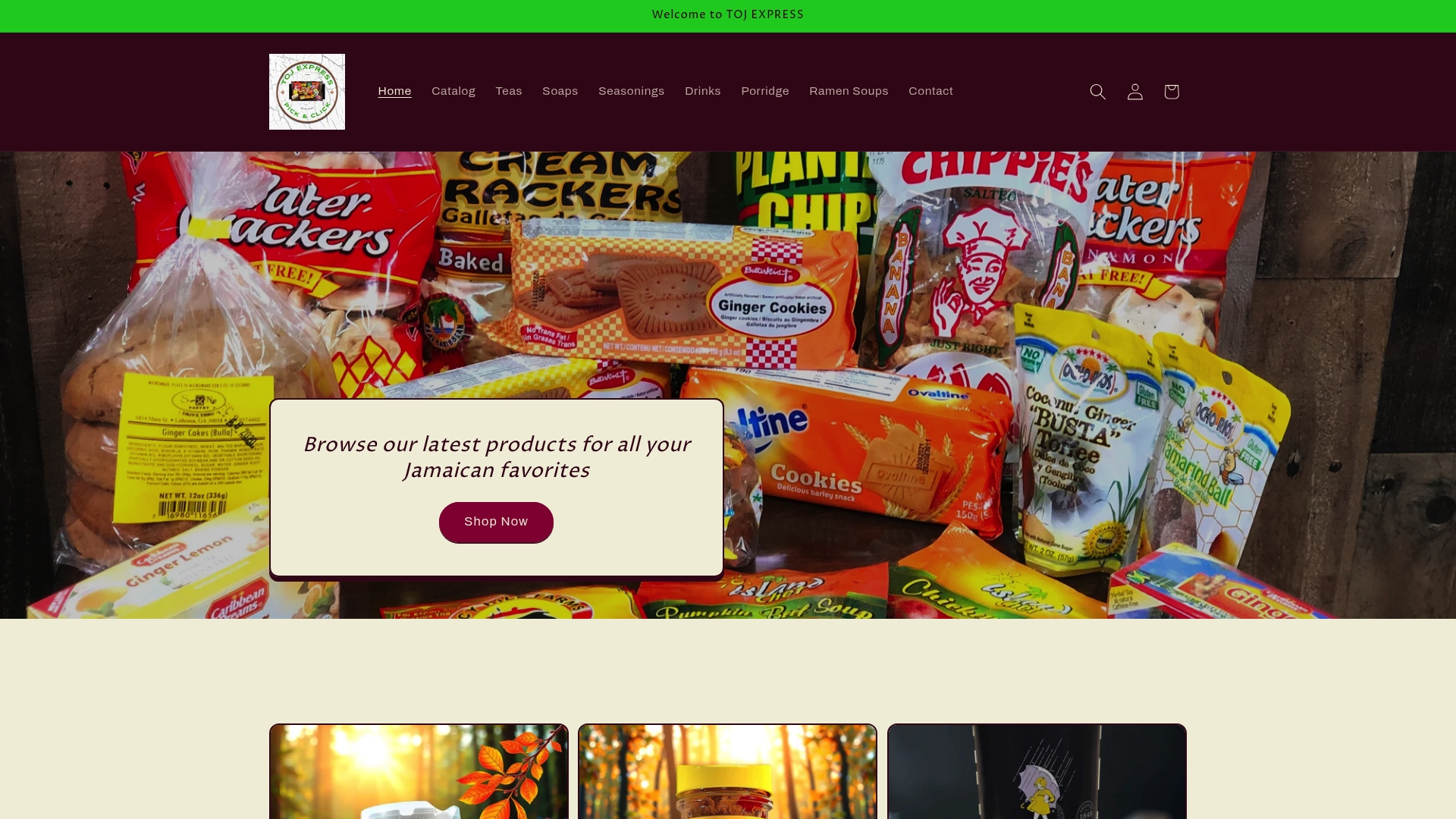
If you’re in Stone Mountain, Decatur, Lithonia, Conyers, Tucker, Snellville, or Rockdale, browse the grocery essentials list built for American and Caribbean households and apply the same pre-purchase checklist from this guide: check the current price, compare it against your usual spot, and place your order or stop by in person. Start with the general grocery collection to see current stock and pricing before your next trip.
Frequently Asked Questions
How do I check store promotions before checking out online?
Check the retailer’s cart page first, since auto-applied discounts show there before anywhere else. Then test one coupon code through a browser extension and compare the new total against the original price.
What’s the best app for finding local store discounts?
ZIP-based aggregators like local food delivery and deal sites work well for grocery and household staples because they refresh daily and pull deals specific to your area. Retailer-specific apps are better for chain-wide coupons and loyalty pricing.
Do cashback apps really save money, or is it not worth the wait?
They can, but only if you activate the offer before buying and track your pending balance. Ibotta and Fetch typically take days to weeks to pay out, so treat cashback as a bonus on top of your main discount, not the deal itself.
How often should I check for new promotions?
A two-minute weekly check of your regular stores’ homepage and cart page catches most rotating deals. For big purchases, spend 10 to 15 minutes running the full workflow, since even small percentage differences add up on higher prices.
Sources
- Best browser extensions for shopping rewards — Fetch Blog
- Free shipping vs percentage discount: which drives more sales in 2026? — ReferralCandy
- How to get coupons — NerdWallet
- Today’s deals | GroceryChop